

Add System Account Attributes to Technical Account Report
Last modified by Ondřej Kopr on 2025/07/10 13:33
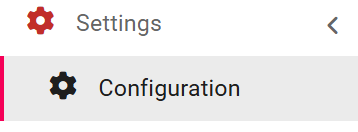
1. In the left menu, click on Settings > Application Configuration.
2. Use the Key field to search the list for the desired key: idm.sec.tech.account.report.connector.object.attributes
3. Open the key’s detail.
Step result: The key wizard will open.
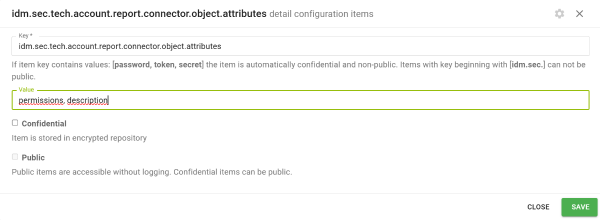
4. In the Value field within the key wizard, list the account attributes from the system that should be included in the report for the corresponding technical account in IdM.
5. Click Save.