Find the Owner of a Technical Account
Last modified by Ondřej Kopr on 2025/07/10 13:33
1. In the left menu, click on Systems > Accounts.
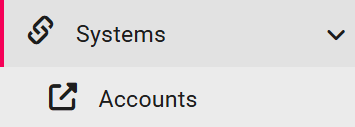
Stepresult: The Accounts window will open.
2. In the green panel, click on Technical Accounts.

3. In the list of technical accounts, find the account you are interested in.
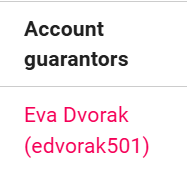
5. In the row of the account you are interested in, look at the entries in the Account Guarantors column.